Iron Man Advanced Testing How to Redeem Codes
Ready for the day Playful Fun Studios ships redeemable strings in this beta.
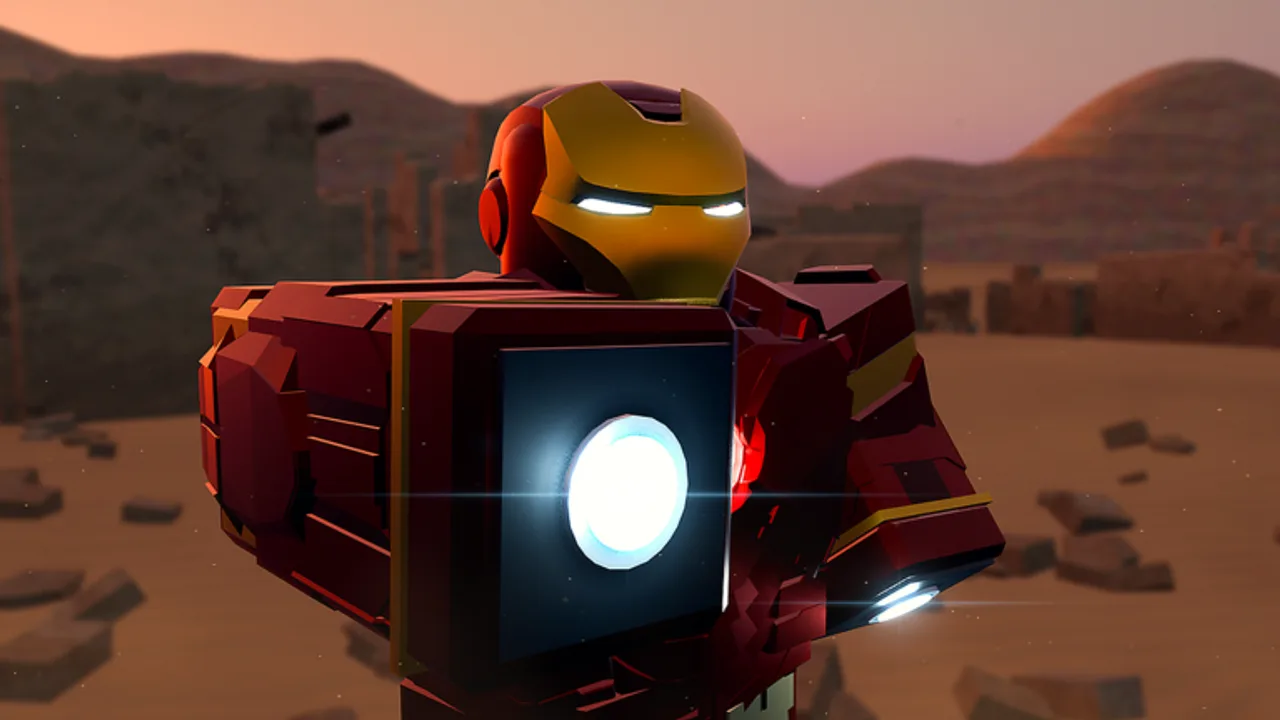
Status first: no codes to redeem yet
Before you hunt for a Codes button, know the current truth: Iron Man: Advanced Testing has no confirmed working promo codes in the active public beta. This page explains how redemption usually works on Roblox action experiences and what to expect when Playful Fun Studios adds a codes flow—so you are not guessing mid-session.
Return to the Codes Hub for the live list. When that hub still says “none confirmed,” there is nothing valid to type.
Typical Roblox redemption flow (when codes exist)
Most Roblox battlegrounds and showcase games follow a similar pattern. Exact button labels can change between [NEW UPD] builds, so treat this as a checklist rather than a frozen screenshot tutorial.
- Join the correct place. Open Iron Man: Advanced Testing from the official Roblox game page (place ID
76910988179157). Do not redeem inside a lookalike title. - Wait for the client to finish loading. Suit systems, JARVIS hooks, and UI panels often spawn after the world and gantry finish streaming—especially on mobile or console.
- Find the Codes / Shop / Menu entry. Look for a sidebar button, tablet UI, Settings gear, or shop panel. Beta UIs move; check both PC HUD corners and mobile touch menus.
- Open the text field. Tap or click the input box. On console, select it with the cursor or virtual keyboard after the November 2026 console support update.
- Paste or type the code exactly. Watch capitalization, spaces, and underscores. Prefer paste from a trusted note when possible.
- Submit and read the response. Success messages usually name the reward. Failures may say invalid, expired, already used, or “not available on this platform.”
- Check inventory / suit list / currency. Some rewards apply instantly; others need a rejoin or a suit re-summon.
If nothing happens, leave the menu, re-open it once, then try again after a short wait. Betas can drop remote requests under high CCU.
Platform notes (PC, mobile, console)
- PC: Keyboard paste is fastest. Keep chat closed so Enter submits the code field, not a chat message.
- Mobile: Use the on-screen keyboard carefully; autocorrect can ruin codes. Disable auto-caps if your device mangles strings.
- Console: Console support was called out in recent update messaging. Expect a virtual keyboard and slightly slower UI focus. If Codes is missing on console only, it may be a beta gap—check November 2026 notes and the Codes Hub again later.
Servers cap around 20 players, so social hubs can feel busy even at a few hundred concurrent users across places. That does not block redemption by itself, but laggy menus are common during spikes.
Common redemption failures
| Symptom | Likely cause | What to try |
|---|---|---|
| Invalid code | Wrong game, typo, or fake list | Confirm place + spelling; ignore other Iron Man titles |
| Already redeemed | One-time per account | Stop retrying; check rewards once |
| Expired | Limited event window | Remove from your personal list |
| No Codes UI | Feature not shipped / UI moved | Wait for a [NEW UPD] build; re-read Codes Hub |
| Success but no reward | Delayed grant or wrong inventory tab | Rejoin; check suit select / cosmetics |
Never buy “code lists” from strangers. Free community posts are enough when real codes exist—and right now they do not for this beta.
What codes are (and are not) for
Promo codes, when added, usually grant soft currency, cosmetics, or temporary boosts. They are not required for:
- JARVIS voice commands
- Mark 5 suitcase and gantry suit-up
- Veronica Hulkbuster
- Flight, space, and autopilot
- Sending a suit to another player in co-op sessions
If a scam post claims you need a paid code pack to “unlock JARVIS,” ignore it. Voice mode needs microphone / voice chat setup, not a gift card.
After you redeem successfully
- Screenshot the success toast for your own notes.
- Test the reward in a low-pressure area (gantry or open flight space) before diving into Ultron fights.
- Cross-check suit tier rankings if the reward was a new armor option.
- Keep playing fair—codes never justify executors. Read executor safety if you were tempted by “auto redeem” scripts.
Stay ready without refreshing every minute
Bookmark Codes Hub and this redeem guide. Skim Updates when the Roblox page title flips to a new [NEW UPD] tag. Pair code hunting with real practice: controls reference, combat tips, and the pre-flight suit checklist.
Iron Man: Advanced Testing is an early-access showcase of being Iron Man—advanced flight, first-person POV, AI-flavored systems—not a finished 1.0 live-service with a permanent code calendar. Patience plus verified lists beats spam.
Quick checklist
- Correct place ID and title
- Client fully loaded
- Codes UI located on your platform
- Exact string entered
- Reward verified in inventory
- Hub updated only with confirmed entries
When the first verified code lands, start here, then return to the hub table for the master list.
Frequently Asked Questions
Quick answers for Iron Man: Advanced Testing on Roblox.
Why can’t I find a Codes button?
The public beta may not have shipped a redemption UI yet. There are also no confirmed working codes. Check the Codes Hub after major updates before assuming the button is hidden.
Can I redeem on mobile and console?
If codes are added, redemption should follow the same menu flow with on-screen or virtual keyboards. Console support is recent—UI gaps can exist during early testing.
I used a code from another Iron Man game and it failed. Why?
Codes are per experience. Only strings issued for Iron Man: Advanced Testing will work in this place.
Do I need to rejoin after redeeming?
Sometimes. If the success message appears but the reward does not, rejoin once and re-check suit or currency panels.
Are code redeem scripts safe?
No. Avoid third-party executors that promise auto-redeem. See the Scripts Hub and executor safety guide for account risk details.