Iron Man Advanced Testing Mark 5 Suitcase Deploy Guide
Briefcase-to-armor mastery in Playful Fun Studios’ public beta.
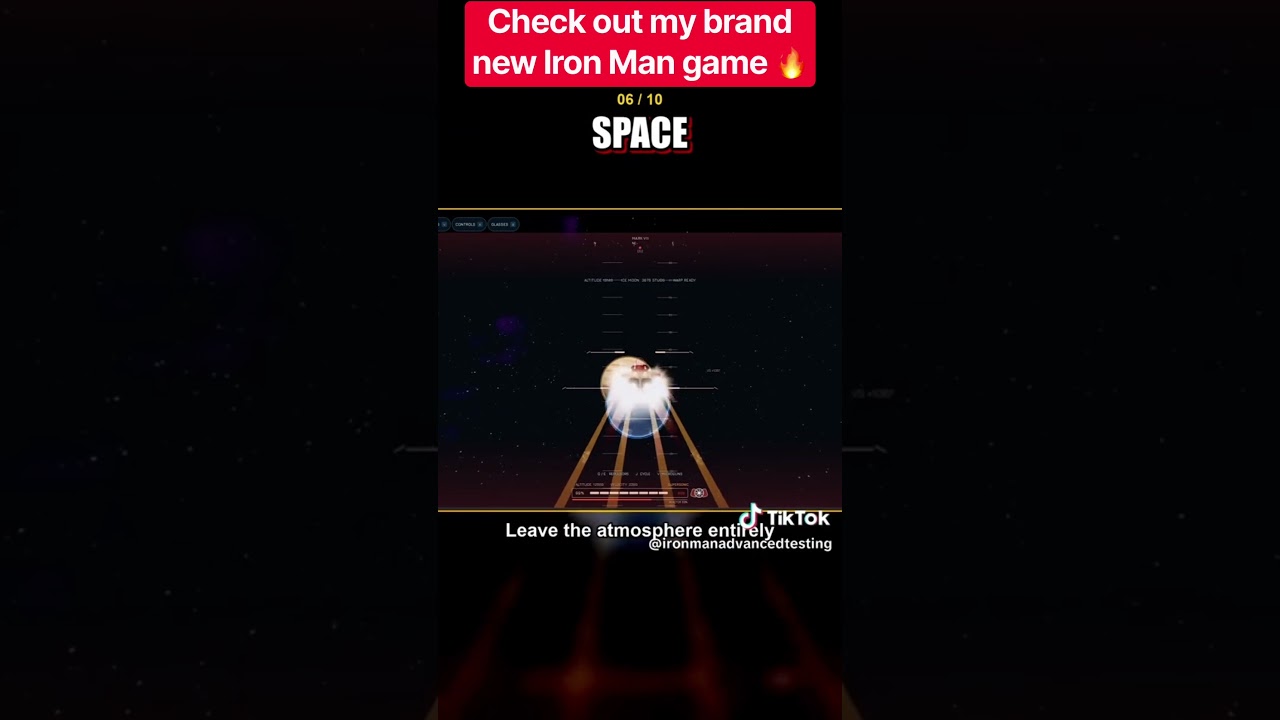
Why the Mark 5 suitcase matters
In Iron Man: Advanced Testing, the Mark 5 suitcase is more than a nostalgia prop. It is one of the clearest “I am Iron Man” beats in Playful Fun Studios’ public beta: open space, trigger deploy, watch the briefcase bloom into wearable armor, then prove the thrusters still answer. Creators highlight the suitcase in nearly every showcase because the animation sells the fantasy even when other systems are mid-patch.
This guide focuses on place 76910988179157 / universe 10770631006. Do not mix suitcase steps from Project Mechanic, Iron Man: Playground, or Battlegrounds into this page without testing them here.
Before you deploy
- Confirm you are in Iron Man: Advanced Testing (often tagged
[NEW UPD]on Roblox). - Finish streaming assets near spawn—suitcase props and UI can lag a few seconds behind your avatar.
- Stand in open air or a clear pad. Doorways, crowded gantries, and stacked players clip the assemble.
- Skim controls for your device so you are not hunting binds mid-animation.
- If you plan a voice follow-up, enable mic settings before you need JARVIS.
New pilots should still read Getting Started once; this page assumes you already spawned successfully.
How suitcase deploy usually feels
Exact prompts shift between beta builds, but the loop is consistent:
- Acquire / equip the Mark 5 suitcase through the current suit menu, stand, or world pickup the build exposes.
- Trigger deploy with the supported bind or interaction—not by spamming every ability key at once.
- Hold still while pieces travel and lock. Moving, flying, or punching mid-assemble is the fastest way to soft-lock.
- Verify HUD and thrusters with a short hover before you chase Ultron.
- Optional cinematic — first-person POV sells the helmet clamp if the build supports it.
Creators often show Mark 5 first because it teaches patience: the armor looks best when you let the sequence finish.
Timing tips that save rejoins
- One deploy at a time. Do not queue Veronica, sentry, and suitcase in the same second.
- Give teammates room. Suit-send receivers and photographers hate briefcase shrapnel in the face—see suit-send etiquette.
- After a failed assemble, walk a few steps, wait, or reset character before you declare the suit broken forever.
- Record on a quiet pad if you want clean footage; 20-player servers create visual noise.
Mark 5 vs gantry vs menu equip
| Method | Best for | Watch-outs |
|---|---|---|
| Mark 5 suitcase | Fantasy + shareable clips | Needs open space |
| Gantry | Slow cinematic workshop vibe | Queue / busy frames |
| Quick menu equip | Fast retries after bugs | Less theatrical |
Use gantry when you want the workshop dream from Getting Started. Use suitcase when you want portable theater. Use menu equip when the beta is being moody and you just need armor for a flight lap.
After the armor locks
Run this micro checklist:
- Camera modes feel stable (third → first person if available).
- Boost and brake both respond.
- Landing does not fling you through the floor.
- JARVIS still hears a simple command if voice is on.
- You know how to eject or unequip before a soft-lock spiral.
Then decide your next beat: practice altitude on the flight guide, park a sentry, or warm up for Ultron without jumping straight into Hulkbuster panic.
Common Mark 5 problems in beta
Pieces freeze mid-air — wait, walk, reset. Report calmly if the studio provides a feedback channel.
You hear deploy SFX but stay unarmored — rejoin once; stale clients happen after [NEW UPD] titles change.
Suitcase works for friends but not you — confirm platform (PC / mobile / console). Console arrived in a later update wave; see November 2026 notes.
Someone “sold” you a Mark 5 script — there are no confirmed public scripts for this place. Read Scripts and executor safety instead of risking the account.
How Mark 5 ranks on this wiki
On the suit tier list, Mark 5 scores high for fantasy and teaching value. It is not automatically the best Ultron hammer—that conversation belongs to Veronica Hulkbuster—but it is the suitcase every pilot should master before arguing meta.
Pair it with the suit checklist before long sessions.
Practice plan (15 minutes)
- Two clean suitcase deploys in open space.
- One short flight rectangle with deliberate landings.
- One voice command if mic works.
- One intentional unequip / re-equip so recovery is muscle memory.
- Optional: watch a friend deploy without crowding them.
Related reading
- Guides Hub — full how-to map
- JARVIS voice commands — suitcase-adjacent voice lines
- Flight and autopilot — prove thrusters after assemble
- Tier List Hub — where Mark 5 sits vs heavy kits
- Codes Hub — still no promo shortcuts required for suitcase play
Master the briefcase, then expand the sky. The beta rewards pilots who look cinematic and stay recoverable when a build hiccups.
Frequently Asked Questions
Quick answers for Iron Man: Advanced Testing on Roblox.
Do I need a code to unlock the Mark 5 suitcase?
No. Mark 5 suitcase deployment is part of the playable Advanced Testing beta. There are no confirmed promo codes required for it.
Why does my Mark 5 assemble freeze?
Beta physics and streaming glitches happen. Stand in open space, avoid ability spam mid-deploy, then walk or reset character if pieces stall.
Is Mark 5 better than Hulkbuster?
For teaching the fantasy and portable suit-up, Mark 5 shines. For heavy Ultron-style fights, Veronica Hulkbuster is the specialist hammer.
Can I deploy Mark 5 on console?
Console support arrived in a recent update wave. Use the controls guide for device binds and retest after each NEW UPD title change.