Iron Man Advanced Testing Console Play Tips for Advanced Testing
Gamepad habits for Mark 5, JARVIS, Veronica, and Ultron after the November console wave.
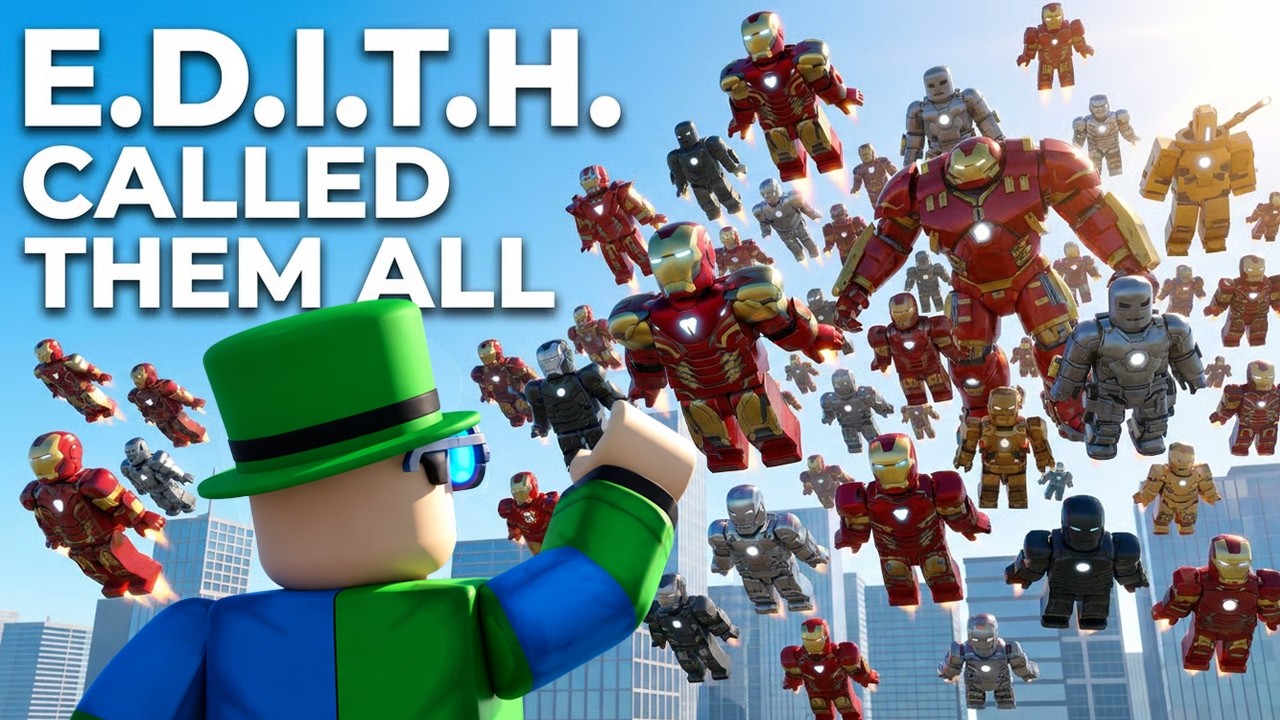
Console pilots joined the lab
Iron Man: Advanced Testing widened to console during the November 2026 update wave while the Roblox page kept shipping under a [NEW UPD] title. Place 76910988179157 / universe 10770631006 is still a public beta, so expect prompt-art debt, deadzone surprises, and the same cinematic systems PC players already love: gantry suit-ups, Mark 5 suitcase, JARVIS, Veronica Hulkbuster, sentry, suit-send, and space autopilot.
This page is the console-first companion to the Controls reference and the November 2026 update notes. No unique YouTube ID is embedded here—reuse device practice with the embeds on Getting Started / JARVIS / Mark 5 instead of inventing clips.
Before you suit up
- Confirm the experience name is Iron Man: Advanced Testing (often prefixed
[NEW UPD]), not a similarly titled simulator. - Finish platform voice / mic permissions if you want JARVIS later.
- Skim Getting Started so gantry vs suitcase expectations are clear.
- Set a mental map for deploy, flight, eject, and camera toggle before combat.
- Bookmark the suit checklist for post-patch sessions.
Gamepad flight habits
Analog sticks shine for hover screenshots and cinematic arcs—and punish sloppy deadzones.
- Raise left-stick deadzone slightly if micro-drift ruins hover holds.
- Keep camera sensitivity mid until high-speed flight stops overcorrecting into buildings.
- Practice brake early for rooftop pads; console FOV makes late flares harder.
- Separate flight toggle from jump in your muscle memory so you do not hop when you meant to hover.
- After any soft landing fail, do two clean takeoff/land loops before calling Veronica.
Full thrust theory lives on Flight and autopilot.
Prompt quirks (keyboard icons on console)
Early console support builds sometimes show keyboard glyphs while the real input is a face button or bumper. When that happens:
- Try the highlighted gamepad control anyway.
- Open settings and hunt camera / suit clusters for unlabeled toggles.
- Do not assume PC bind charts from Discord are gospel—trust live prompts first.
- Note the exact build title if the mismatch persists after a patch.
This is beta UI debt, not you “holding the controller wrong.”
First-person on a gamepad
First-person in Advanced Testing is usually a dedicated POV / camera button, not infinite stick zoom. Use FP for HUD immersion and helmet fantasy; flip to third-person for gantry catwalks, suitcase framing, sentry placement, and Ultron arena reads. Details: Controls — first-person section.
JARVIS on console
Voice pathways differ by platform overlay:
- Enable Roblox voice chat and the console OS mic permission.
- Prefer a headset over TV speakers to cut echo false triggers.
- Keep manual eject / flight / sentry binds warm when party chat is loud.
- Test one clean command in a quiet pad before Ultron (JARVIS guide).
Suit-send demos look great on console captures—still ask consent first (suit-send etiquette).
Veronica, Ultron, and heavy frames
Hulkbuster call-ins hit harder when your camera and brake habits are already stable. Warm up in a light flight suit, then escalate:
- Short courtyard Veronica call (Hulkbuster guide).
- Strafe while armored—confirm stick curves still feel honest.
- Only then take an Ultron peek with a friend on scout duty (combat tips).
Codes, scripts, and scams aimed at console players
There are still no confirmed promo codes and no confirmed public scripts for this place (Codes, Scripts). Discord files that claim you “need an executor for console Iron Man” are scams—read executor safety.
15-minute console retest after every [NEW UPD]
- Join, note the title string.
- One gantry or Mark 5 deploy.
- Hover ten seconds; land soft.
- Toggle FP / TP once each way.
- One JARVIS success + one bind fallback.
- Optional autopilot hop with a deliberate cancel.
- Optional Veronica courtyard call.
- Stop if soft-locks stack—rejoin and report with the title string.
Related pages
Console pilots belong in this lab. Learn the sticks, keep the binds, and treat every NEW UPD as a reason to re-smoke-test the fantasy.
Frequently Asked Questions
Quick answers for Iron Man: Advanced Testing on Roblox.
Does Iron Man: Advanced Testing support consoles?
Yes. Console support was highlighted in the November 2026 update wave. Expect some UI rough edges while the public beta continues.
Why do I see keyboard icons on a gamepad?
Early console builds can show keyboard prompt art. Try the highlighted gamepad control, check settings, and retest after patches.
Can I use JARVIS on console?
If Roblox voice chat and your console mic permissions are enabled, yes. Keep manual flight and eject binds ready when party chat is noisy.
Do I need scripts or codes to play on console?
No. There are no confirmed codes or public scripts for this place. Core systems like Mark 5, JARVIS, and Veronica are part of the normal beta.
Where should I practice first on console?
Open pads near spawn: one deploy, one hover, one soft landing, then one camera toggle before Ultron or Hulkbuster calls.