Iron Man Advanced Testing JARVIS Voice Commands Guide
Talk to the suit: flight, eject, sentry, self-destruct, and co-op suit-send.
Why JARVIS matters here
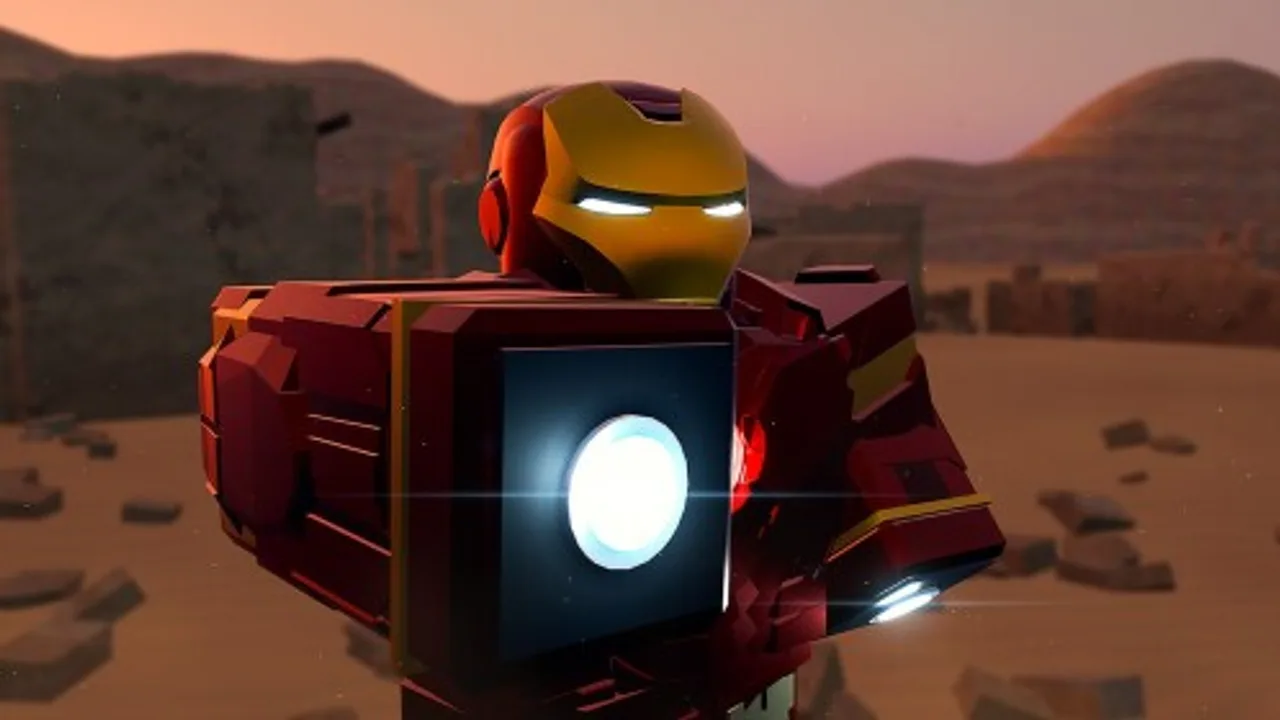
In most Roblox Iron Man places, “AI” is a menu skin. In Iron Man: Advanced Testing, JARVIS voice commands are a headline system: you speak, the suit responds. Community showcases demonstrate calling the Mark 5 suitcase without mashing a lonely key, ordering flight, eject, self-destruct, enabling sentry mode, sending a suit to another player, and escalating into Veronica Hulkbuster moments—then taking the fight toward Ultron.
This guide focuses on setup, confirmed command themes, troubleshooting, and etiquette inside a noisy public beta. Pair it with controls so you always have a manual fallback when voice chat stutters.
Prerequisites checklist
- Join the correct place (
76910988179157). - Enable Roblox voice chat for your account and device.
- Grant microphone permissions to Roblox / your browser / your console OS overlay as applicable.
- Use headphones when possible to reduce echo that confuses recognition.
- Suit up first—gantry, Mark 5, or standard deploy from getting started.
- Stand in a quieter corner for your first successful recognition tests.
If voice chat is unavailable in your region or account settings, you can still play with binds; JARVIS simply will not hear you.
Command themes confirmed in community tests
Exact phrasing can shift between [NEW UPD] builds. Speak clearly, leave a short pause, and prefer short imperative lines. Documented showcase themes include:
Flight control
Ask JARVIS to engage or manage flight. Useful when your hands are busy on camera or when you want cinematic takeoffs. Always keep a manual flight bind memorized from the controls reference in case recognition fails mid-air.
Eject
Eject drops you out of the armor. Practice over safe terrain. Combine with a plan to redeploy—especially after experimenting with destructive commands.
Self-destruct
Self-destruct is spectacular and disruptive. Use it for reset fantasy or escape, not for griefing spawn pads. After a blast, wait for cooldowns or suit availability before spamming redeploys. Backup kits on the tier list help while you recover.
Sentry mode
Sentry mode parks armored presence as an automated guardian fantasy. Great for creative clips and area denial experiments. Tell teammates before you leave a sentry in a crowded lane so nobody assumes it is a hostile exploit.
Send suit to another player
The co-op handoff—sending your suit like a Stark logistics flex—needs clear communication. Call the player’s name in chat, confirm they are ready, and send toward open space. Details and social tips also live on the Players Hub.
Veronica / Hulkbuster call-ins
Voice and UI paths both appear in showcases for Veronica. When you are ready for heavy armor, follow the dedicated Hulkbuster Veronica guide so you are not learning the frame during an Ultron swing.
Autopilot hooks
Community notes call out autopilot toward other map areas and space destinations as JARVIS-activatable. Treat destination names carefully; mishears can send you on a scenic wrong way. Deep routes: Flight and autopilot.
Practical speaking tips
- Wake clarity: Say “JARVIS” with intention, then the action. Mushy run-ons fail more often.
- One order at a time: Stacking five commands in one breath invites partial parses.
- Mind the crowd: Twenty players plus open mics equal chaos. Mute noisy channels when drilling.
- Accent & noise: Recognition is probabilistic. Slow down; do not shout distortion into the mic.
- Confirm visually: Watch the suit. If nothing moves after two tries, use the bind fallback.
Troubleshooting matrix
| Problem | Likely cause | Fix |
|---|---|---|
| Total silence | Voice chat off / mic denied | Enable voice + OS permissions |
| Hears chat but not commands | Phrasing drift / update change | Shorten lines; retest after [NEW UPD] |
| Random triggers | Other players saying “JARVIS” | Relocate; lower open-mic exposure |
| Works on PC, fails on mobile | Mobile voice routing | Check Roblox mobile voice settings |
| Console issues | New platform support gaps | See November 2026 update; keep binds ready |
| Command after eject ignored | No suit equipped | Redeploy, then retry |
Etiquette in public servers
JARVIS is loud fantasy. Do not self-destruct on top of AFK photographers. Do not sentry doorways to trap people. Do not spam suit-sends at unwilling players. The beta is a shared lab—leave it cleaner than you found it.
Training routine (10 minutes)
- Suit up via Mark 5 or gantry.
- Manual hover for 30 seconds.
- Voice-toggle flight once.
- Eject, land, redeploy.
- Enable sentry for 20 seconds, then reclaim.
- Optional: coordinate one suit-send with a friend.
- Optional: Veronica call only if combat-ready.
Log what phrasing worked for you. Betas change; your notes beat viral comment myths.
Safety & scams
You do not need a script to “unlock JARVIS.” Any executor promising perfect voice macros is a risk—read executor safety. Likewise, no codes are required or confirmed for voice mode.
Related pages
Talk to the suit, keep a finger near the bind, and enjoy the first Roblox Iron Man loop that genuinely wants to hear you.
Frequently Asked Questions
Quick answers for Iron Man: Advanced Testing on Roblox.
Do I need a special code to enable JARVIS?
No. JARVIS is part of the playable beta systems. There are no confirmed promo codes required—or available—for voice mode.
What commands are confirmed?
Community showcases cover flight, eject, self-destruct, sentry mode, sending a suit to another player, and Veronica-related call-ins, plus autopilot travel. Exact phrasing can change with updates.
Why does JARVIS ignore me?
Check voice chat, mic permissions, background noise, and whether you are suited up. Use manual controls as backup when recognition fails.
Can I send my suit to a friend with voice?
Yes—suit-send is a highlighted co-op feature. Confirm your friend is ready and standing in open space before you issue the command.
Is there a video demo?
This page embeds a real Clickster showcase demonstrating working JARVIS flows inside Iron Man: Advanced Testing.